
Focused Unity tools for faster game development workflows
Clugins Unity tools are planned for creators who want to work faster inside the Unity Editor without adding unnecessary complexity. The focus is on practical editor workflows, scene polish, level design, visual iteration, and tools that help small teams finish more work with less manual repetition.
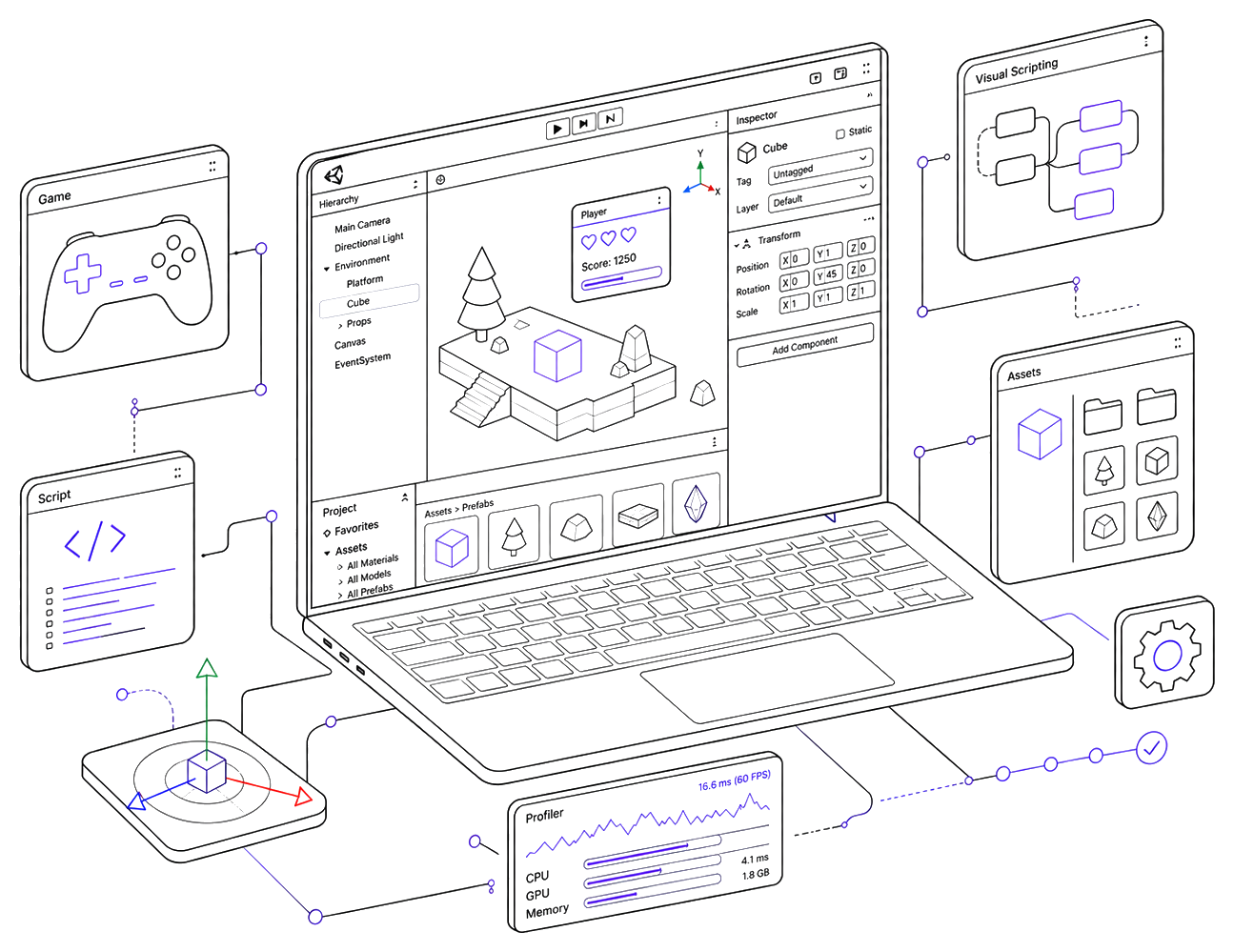
A dedicated home for Clugins Unity tools
This page is only for Unity-related products. Instead of mixing Unity tools with WordPress plugins or digital product systems, each Unity tool can have its own clear section here with a practical explanation, feature list, product status, and future product page link.
Unity creators often lose time on small repetitive tasks: placing visual details, testing scene ideas, polishing surfaces, organizing editor work, and repeating manual steps that should be faster. Clugins Unity tools are planned around those everyday production problems.
The first planned Unity tool is Easy Stamp. It focuses on fast visual surface stamping inside the Unity Editor and is being shaped as a simple, useful workflow product rather than a complicated all-in-one painting suite.
Available and upcoming Unity tools
This collection will grow as new Unity editor tools become ready. Each tool should have a clear purpose, a practical workflow, and a dedicated product page when it is ready for release.
Easy Stamp for Unity
Easy Stamp for Unity is being designed for creators who want to add visual surface details inside the Unity Editor without placing every decal or detail manually. The goal is to keep the workflow simple, fast, and beginner-friendly while still being useful for real production scenes.
Use it when you want to decorate surfaces, test visual ideas, place repeated details, and improve scenes faster inside the Unity Editor.
Why Clugins Unity tools are built this way
Unity has powerful systems, but real production work often becomes slow because of repeated manual steps. Small editor tools can make a big difference when they remove friction from scene design, asset placement, visual polish, and testing.
Clugins Unity tools are planned with a focused mindset. The tool should be easy to understand, fast to use, and useful inside an actual Unity project. The goal is not to replace the Unity Editor. The goal is to make specific editor tasks smoother.
Editor productivity
Tools should reduce repeated work inside the Unity Editor and help creators move faster.
Simple workflow
Settings and controls should be understandable without reading a long manual first.
Production-minded
Features should support real scene work, not just look good in a quick demo.
Ready to grow
New Unity tools can be added here as the Clugins Unity product library expands.
Follow upcoming Unity tools from Clugins
Easy Stamp for Unity is the first planned tool in this direction. More Unity editor productivity tools can be added as the product library grows.