
What this article covers
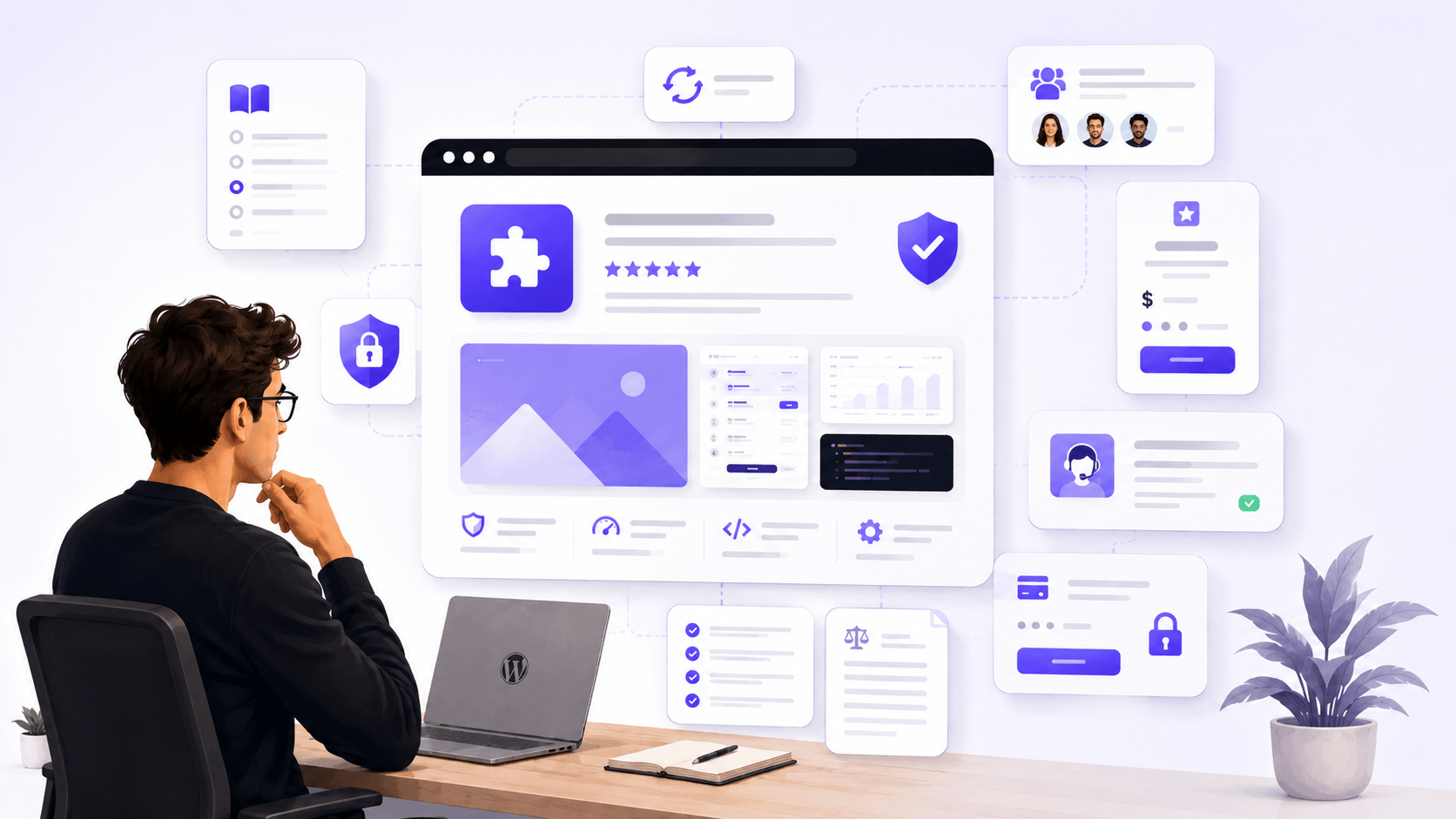
When someone lands on a WordPress plugin website for the first time, they are doing more than evaluating a product.
They are also deciding whether they can trust the people behind it.
That decision usually happens quickly. A visitor reads the page, checks a few links, looks at the pricing, maybe opens the documentation, and forms an impression before they ever reach checkout.
If something feels unclear, unfinished, or abandoned, they leave. If the site feels honest, maintained, and useful, they stay longer and may consider buying.
A trustworthy plugin website does not need to be huge. It does not need to look like a large software company. But it does need to feel clear, reliable, and cared for.
Here are the details that make a WordPress plugin website feel trustworthy from a buyer’s point of view.
Clear Product Positioning
The first thing a visitor needs to understand is simple:
What does this plugin do?
That sounds obvious, but many plugin websites make this harder than it needs to be. They start with broad marketing phrases, abstract promises, or long feature lists before explaining the actual problem the plugin solves.
A trustworthy plugin website answers the basic questions early:
Who is this plugin for?
What problem does it solve?
Does it work with WordPress, WooCommerce, or another specific setup?
Is it for beginners, developers, agencies, store owners, or creators?
When this information is easy to find, visitors feel more confident. It shows that the product is not just being promoted, but actually understood.
Clear positioning also helps the right people say yes and the wrong people say no. That is a good thing. A plugin that tries to sound useful for everyone often ends up feeling vague to everyone.
Honest Pricing and Licensing
Pricing is one of the fastest places where trust can be gained or lost.
A buyer should not need to guess what they are paying for. They should understand the price, what is included, how many sites the license covers, whether renewals are required, and what happens after the license period ends.
WordPress plugin licensing can be confusing for non-technical buyers. Terms like single-site license, unlimited sites, annual renewal, lifetime access, updates, support, and activation limits should be explained in plain language.
A good pricing page does not hide important details until checkout. It makes them visible before the buyer has to make a decision.
Refund policies matter too. A short and clear refund explanation is much more reassuring than a vague promise or a policy buried where nobody can find it.
A clean pricing page should help visitors understand the offer before they buy, not after they are already confused.
Real Documentation
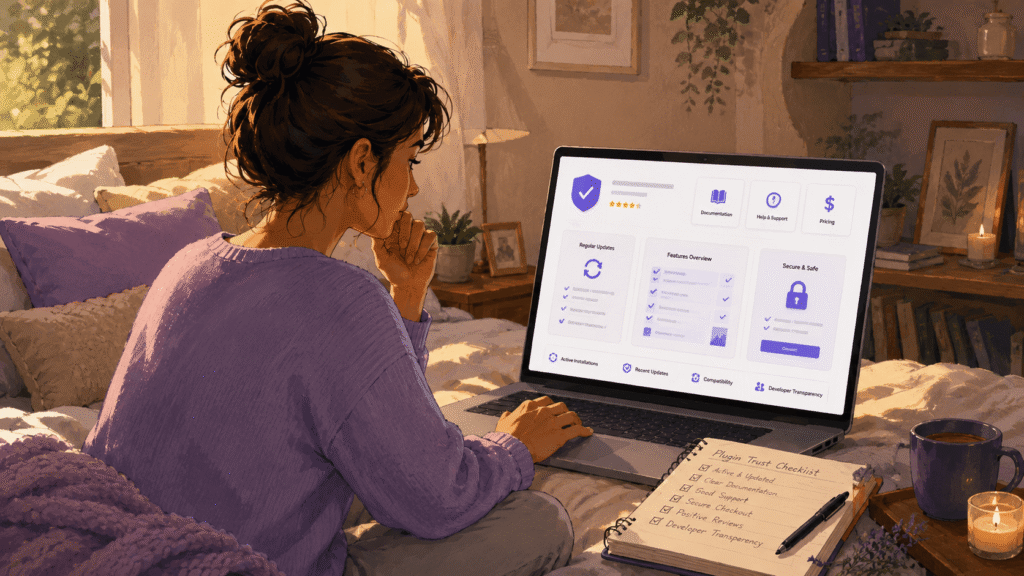
Documentation is one of the strongest trust signals a plugin website can have.
It shows that the product is real, that someone has thought through the user experience, and that buyers will not be left alone after purchase.
Good documentation does not need to be perfect on day one. But it should cover the important parts:
Installation
Activation
Basic setup
Common workflows
Important settings
Known limitations
Troubleshooting steps
For a plugin buyer, documentation is not just a help resource. It is proof that the product is usable.
A landing page can make a plugin look impressive. Documentation shows whether the plugin can actually be used in real situations.
A useful documentation section also reduces support pressure because customers can solve simple questions on their own.
Support That Feels Alive
A support page should not feel like a dead end.
Buyers want to know that if something goes wrong, there is a real way to get help. This does not mean every small plugin business needs a large support team or live chat running all day.
But it does mean the support path should be clear.
A trustworthy support experience usually includes a contact method, a ticket form, guidance on what information to provide, and realistic expectations about response times.
What hurts trust is a support link that goes nowhere, a contact form with no confirmation, or a page that promises too much without showing how support actually works.
A good support page should make the buyer feel that help exists and that the product is being maintained by someone who cares.
Security and Account Confidence
When a plugin website includes checkout, user accounts, license keys, downloads, and product activation, security becomes part of the buying experience.
Visitors may not inspect every technical detail, but they notice the overall feeling.
Does the checkout look professional?
Does the site use HTTPS?
Does the account area feel stable?
Are downloads and license instructions clear?
Does the buyer receive a proper confirmation email after purchase?
For digital products, this matters a lot. The buyer is not receiving a physical item. They are trusting that the payment will work, the download will be available, the license key will activate, and the product will continue receiving updates.
Security is not only about plugins, firewalls, or passwords. It is also about how confident the buyer feels during the process.
A site that handles accounts, checkout, and downloads carefully sends a strong signal that the product itself is also being handled carefully.

Product Screenshots and Workflow Examples
Feature lists are useful, but they are not always enough.
A feature list tells buyers what a plugin can do. Screenshots and workflow examples show them how it actually works.
This is especially important for WordPress plugins because many of them live inside the admin area. Buyers want to see what they will be working with after installation.
A few clear screenshots can answer questions that paragraphs of text cannot.
What does the interface look like?
How many steps are involved?
Is the plugin beginner-friendly?
Does the workflow feel simple or overwhelming?
For example, a product page like AI Product Studio Pro for WooCommerce should not only describe the result. It should also help visitors understand the workflow and the practical value behind the product.
When buyers can imagine themselves using the plugin, trust increases.
Legal Pages and Policy Clarity
Legal pages are not exciting, but they matter.
A serious plugin website should have clear privacy, terms, and refund pages. These pages help buyers understand what happens when they create an account, buy a product, download a file, or request support.
For digital products, policies are part of the product experience.
A privacy policy explains what data is collected and how it is handled.
Terms explain the rules of use.
A refund policy explains what happens if the product is not a good fit.
These pages do not need to be complicated. In fact, the simpler and clearer they are, the better.
What matters is that they exist, they are easy to find, and they actually match the website and product being sold.
A missing policy page, a generic legal page that does not fit the business, or a refund policy that is impossible to find can make buyers hesitate.
Small details can quietly damage trust on a WordPress plugin website
Small details can quietly damage trust.
A broken documentation link.
A support page that returns 404.
A product page that mentions features that no longer exist.
A pricing button that leads to the wrong place.
An empty page that looks unfinished.
Each issue may seem small on its own, but together they create a bigger impression: nobody is maintaining the site.
That impression is dangerous for a plugin business because buyers are not only buying the current version of the plugin. They are also hoping the product will continue to work, receive updates, and remain supported.
If the website feels abandoned, buyers may assume the product is abandoned too.
A custom 404 page can help when visitors land on a missing page, but it should not be used as an excuse to leave broken links around the site. The best trust signal is still a website that is regularly checked and maintained.
A Human Brand Behind the Product
Trust is not only technical.
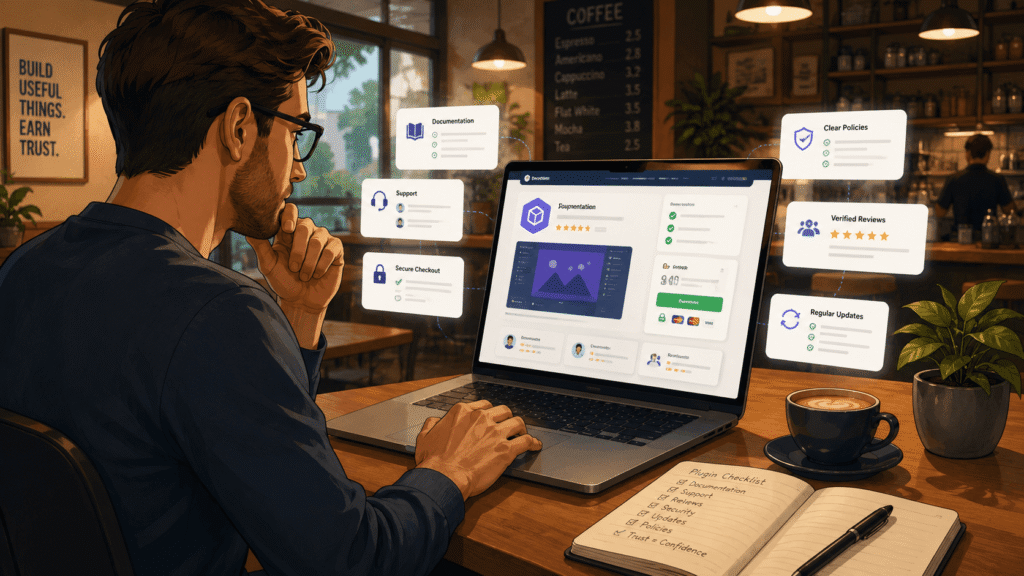
People want to feel that someone real is behind the product.
That does not mean every plugin website needs a large team page, studio photos, or a long founder story. But the site should feel like it was created by people who care about the product and the customers using it.
A human brand comes through in small ways:
The writing feels clear and honest.
The documentation explains real workflows.
The support page is easy to understand.
The product pages are kept up to date.
The website does not overpromise.
This is especially important for independent creators and small product businesses. A small brand can be very trustworthy when it communicates clearly and consistently.
Buyers do not always need a big company. Often, they just want to know that the product is maintained by someone responsible.
For Clugins, the creative and development background behind Castudio adds another layer of context to the brand and the work behind it.
Consistency Over Hype
A plugin website does not become trustworthy by using bigger promises.
Words like revolutionary, game-changing, powerful, and ultimate are easy to write. But buyers have seen enough plugin websites to know that strong claims do not always mean strong products.
Consistency is more convincing than hype.
Consistent design.
Consistent wording.
Consistent product information.
Consistent documentation.
Consistent support links.
Consistent pricing.
A simple site that clearly explains the product is often more trustworthy than a flashy site full of vague claims.
The goal is not to impress someone for five seconds. The goal is to hold up when they start checking the details.
That is where trust is built.
Conclusion
A trustworthy WordPress plugin website does not need to be large or complicated.
It needs to be clear about what it sells, honest about pricing and licensing, supported by real documentation, and maintained with visible care.
Buyers are not only evaluating a plugin. They are deciding whether the creator or company behind it can be relied on for updates, support, communication, and product quality over time.
Small websites can earn that trust just as well as large ones.
The details matter: working links, clear policies, useful docs, visible support, honest wording, secure checkout, and product pages that explain what the plugin actually does.
Trust is not built from one big feature. It is built from many small signals that all say the same thing:
This product is real.
This site is maintained.
Someone is paying attention.
At Clugins, we build practical plugins and digital tools with a focus on clear workflows, useful documentation, and long-term product reliability.
Frequently Asked Questions About WordPress Plugin Websites
Why does documentation matter when buying a WordPress plugin?
Documentation shows that the plugin is usable beyond the sales page. It helps buyers understand setup, features, limitations, and troubleshooting before or after purchase.
What should a trustworthy plugin pricing page include?
A trustworthy pricing page should clearly explain the price, license limits, renewal terms, included features, support access, and refund expectations.
Is it a problem if a plugin is made by a small team?
No. Many reliable plugins are built by small teams or independent developers. What matters is clear communication, ongoing maintenance, reachable support, and honest product information.
How can I tell if a plugin website is being maintained?
Check the documentation, support links, changelog, product pages, and broken links. A maintained website usually feels current, consistent, and cared for.
Why do legal pages matter for plugin websites?
Legal pages explain privacy, terms, refunds, and customer expectations. They protect both the buyer and the seller and make the purchase feel more transparent.
Explore more tools and guides from Clugins
If you enjoy practical software ideas, creator workflows, WordPress tools, and Unity productivity tools, you can explore the Clugins docs or see what we are building next.